
Leads that assign themselves
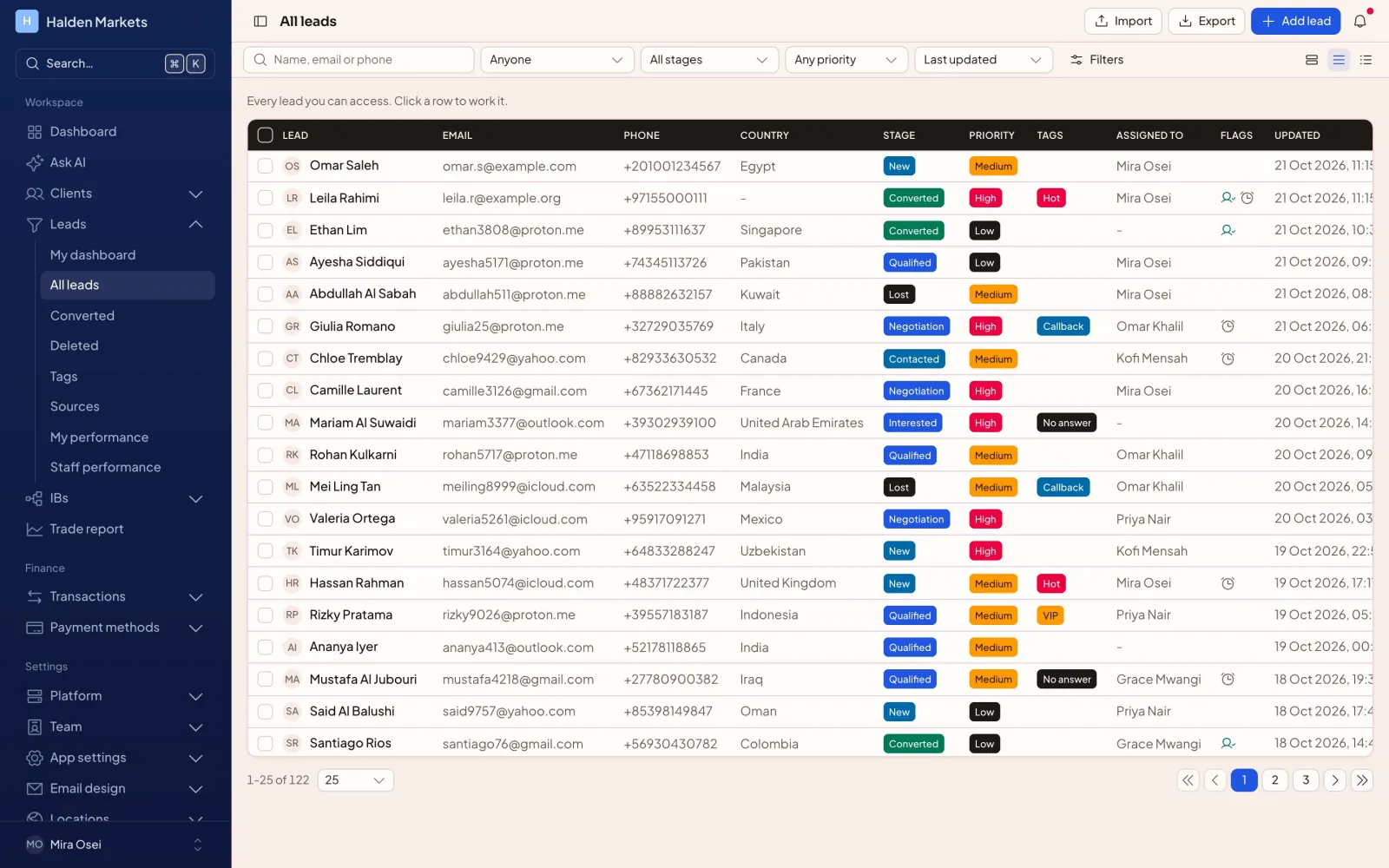
Round robin, weighted or fewest open leads. Duplicate checks, follow-ups, tags and a full activity timeline for every lead.
FxOpsPro CRM
Clients, leads, IBs, payments and MT5 in one workspace. Every broker runs on a private site, database and domain. This CRM is part of the FXOps Pro stack.
Core CRM
Sales, back office, dealing and support share one system, each with the access their role needs.
Round robin, weighted or fewest open leads. Duplicate checks, follow-ups, tags and a full activity timeline for every lead.
Open accounts, move balances and sync trades through the MT5 Web API. Every 5 minutes, or when you ask.
Per-symbol rates, multi-level shares and client rebates, paid to wallets after each sync.
CoinPayments, Network International, Cregis, ePay, bank and cash cards. Turn on the ones you use.
Upload, review and approve documents. The client gets the result by email.
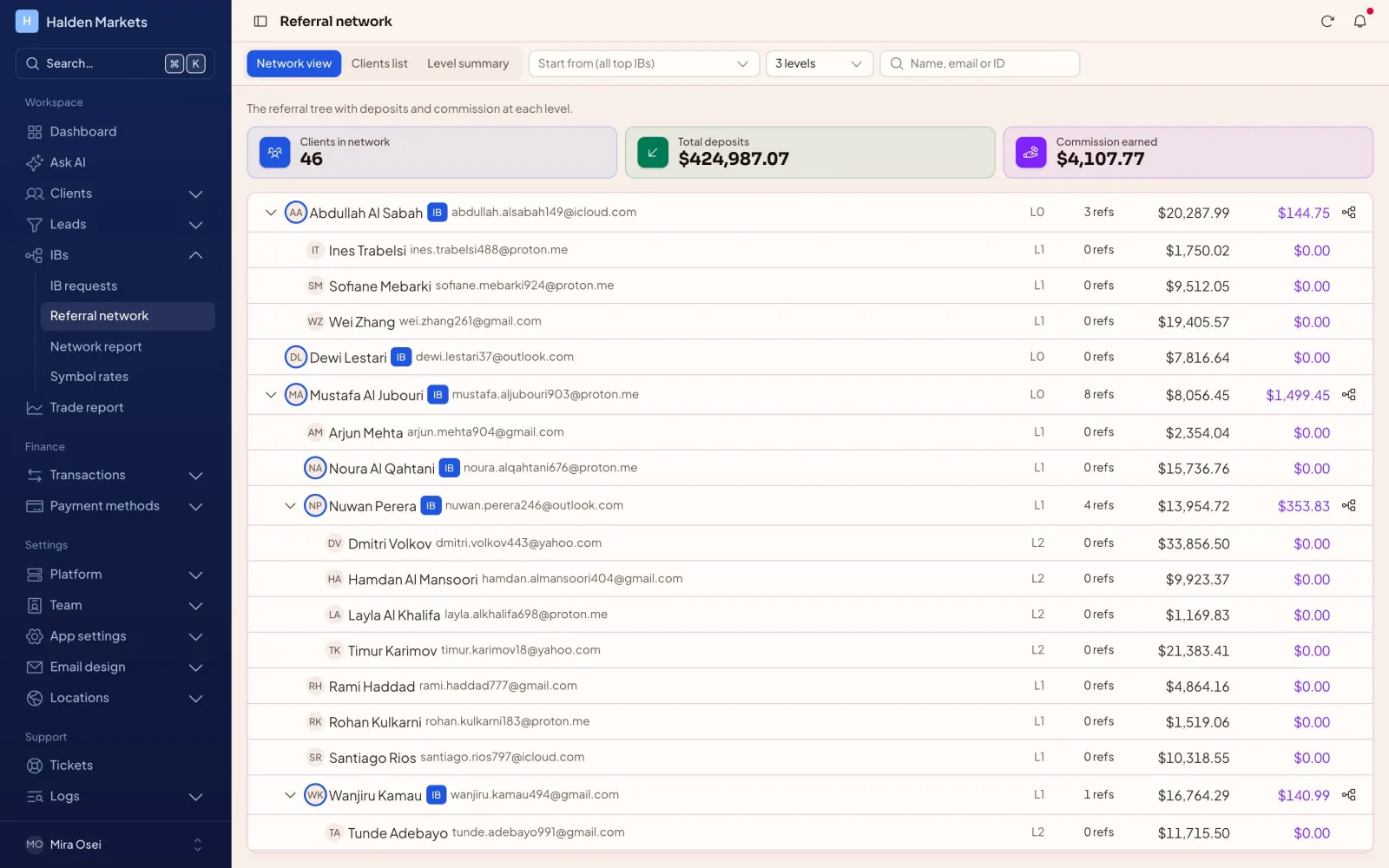
Levels, deposits and commission across the whole IB network. Start the tree from any IB and go as deep as you need.
Money movement
Deposits, withdrawals and transfers move only through one ledger, with checks, holds and approvals.
The CRM checks KYC, limits and open requests before it saves anything.
The amount and fee are held in the wallet. A balance can never go below zero.
Finance approves it, or your auto-approval rules do.
Wallet and MT5 change in one step. If MT5 fails, nothing is left half done.
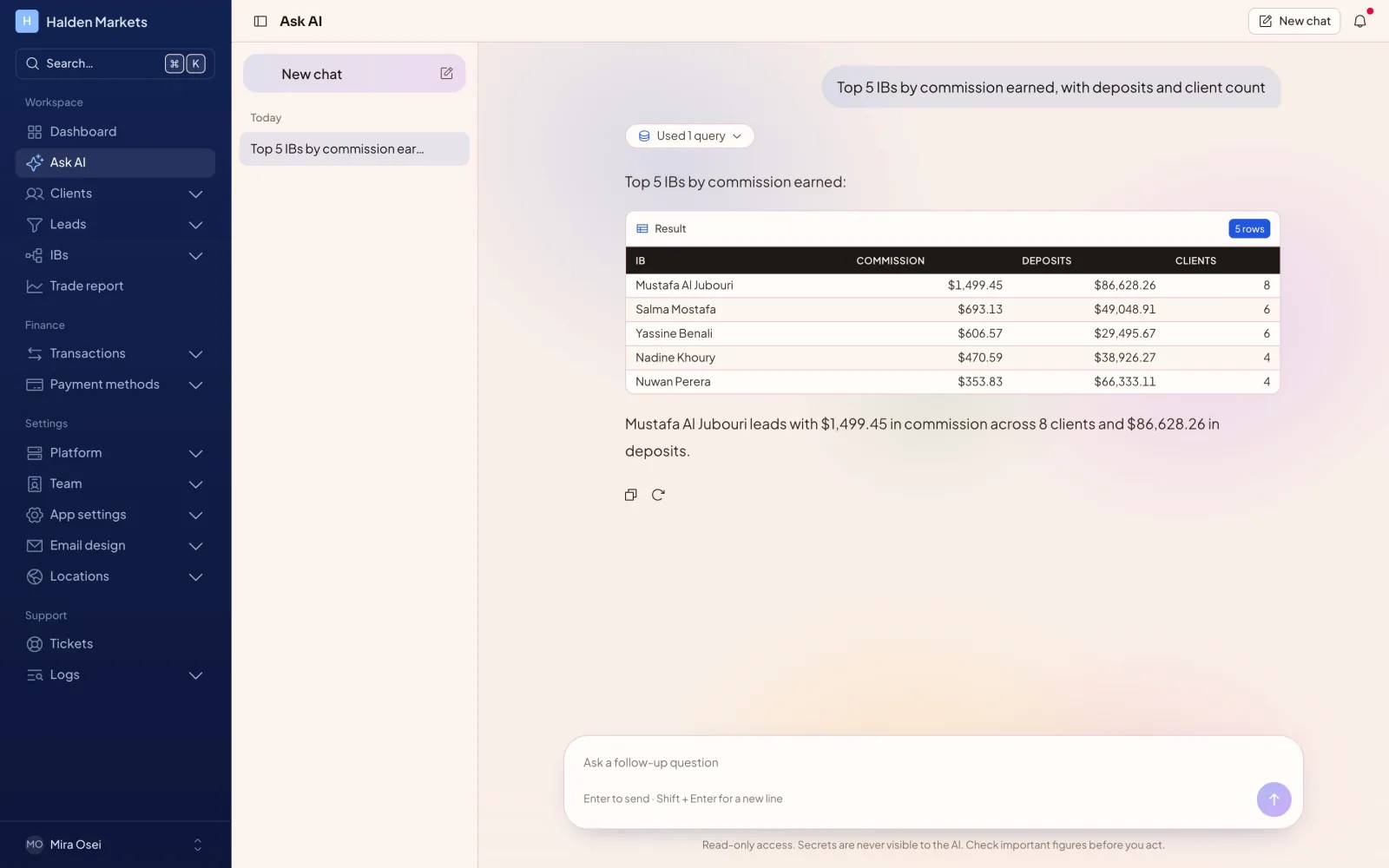
“Which IBs brought the most deposits this year?” Ask AI writes the query, shows the result and explains the answer.
The CRM isolates every site at the database level and logs what every staff member does.
No shared tables between brokers.
Database URLs, MT5 and gateway keys use AES-256-GCM.
Authenticator apps for every staff account.
View, create, edit and delete rights per module.
Activity, sign-in and email logs you can export.
One SELECT at a time, with a timeout and no secrets.
Getting started
Tell us about your brokerage. We set up a demo site, connect a test MT5 server and walk your team through it.
Pick a subdomain or bring your own domain. The CRM creates a private database for it.
Enter the manager login of your MT5 server and test the connection in one click.
Create roles with exact permissions, import your clients and leads, and start working.
We reply within one business day.